

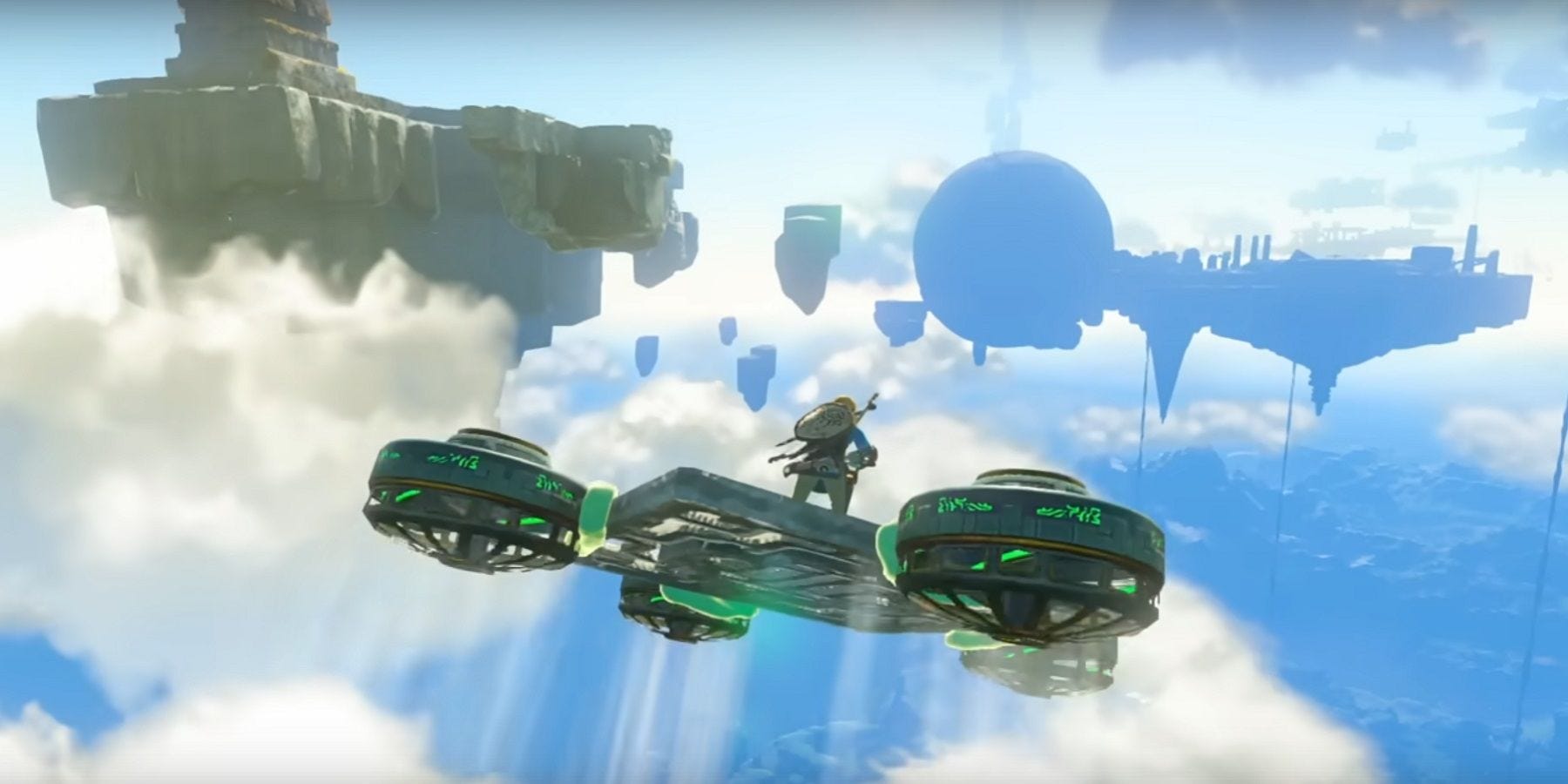
Accessibility in gaming isn’t just about making games playable—it’s about making them enjoyable for everyone.
In the previous articles, we explored the impact of customization, showcasing great examples from both software and hardware. Now, in the final part of this series, let’s dive into how offering multiple ways to complete tasks can enhance not just accessibility, but also engagement and the overall fun of the experience.
Why Does This Matter?
Players come from diverse backgrounds, with different preferences and playstyles. A one-size-fits-all approach to task design can leave some feeling excluded or frustrated. Providing multiple ways to complete objectives ensures your game remains engaging and welcoming—no matter who’s holding the controller.
Let’s break this down with examples from games that do it well.
Multiple Ways of Task Completion
1. On-Screen Shortcuts
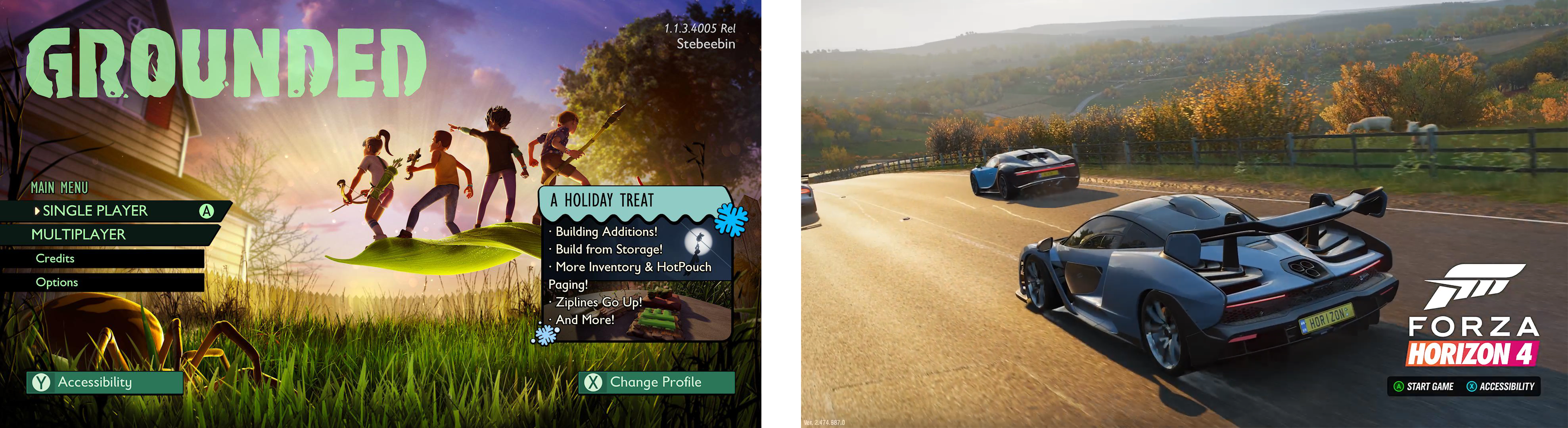
Menus are a necessary part of most games, but navigating them shouldn’t be a challenge. Offering flexible ways to access settings or navigate menus—like on-screen shortcuts or accelerator prompts—can make a world of difference.
🎯Example: Grounded and Forza Horizon 4 let players jump directly to accessibility settings from the title screen, eliminating the need to dig through menus to find it. This allows players to fine-tune their experience before they even start playing.
⭐Design Tip: Consider shortcuts or customizable menu layouts to help players quickly access essential settings without frustration.
2. Alternative Paths to Objectives
Game objectives often require players to complete a series of actions in a specific order—but not every player will approach them the same way. And that’s okay!
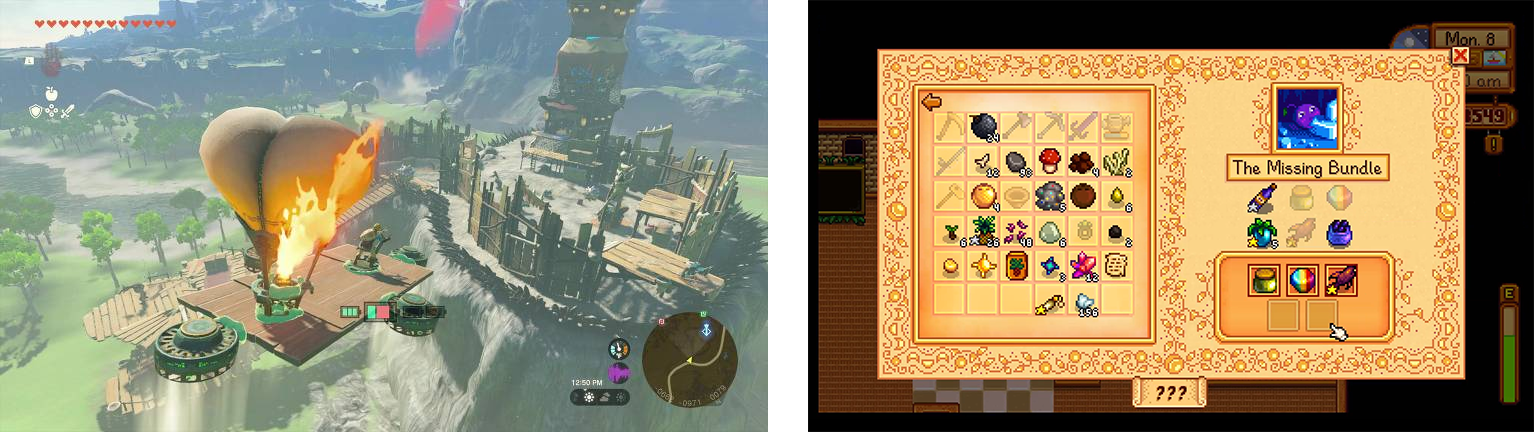
🎯Example: The Legend of Zelda: Tears of the Kingdom allows players to tackle puzzles in countless ways. Can’t figure out the intended solution? You might be able to climb over it, glide past it, or use creative interactions to bypass the challenge entirely. This level of freedom is one of the key reasons for the game’s success—and my personal favorite part of the experience.
Similarly, in Stardew Valley, players can complete item-based tasks by choosing from a pool of valid items. They can acquire these items through farming, fishing, combat, or even purchasing them. This flexible approach extends to other tasks as well.
⭐Design Tip: Embrace creative problem-solving when designing objectives. Offering alternative paths ensures that all players—whether due to disabilities or personal preferences—can still achieve their goals.
3. Varied Combat Engagements
Combat is a core element in many games, but players approach it in different ways. Offering alternative combat styles or difficulty adjustments can make these moments more interesting and accessible.
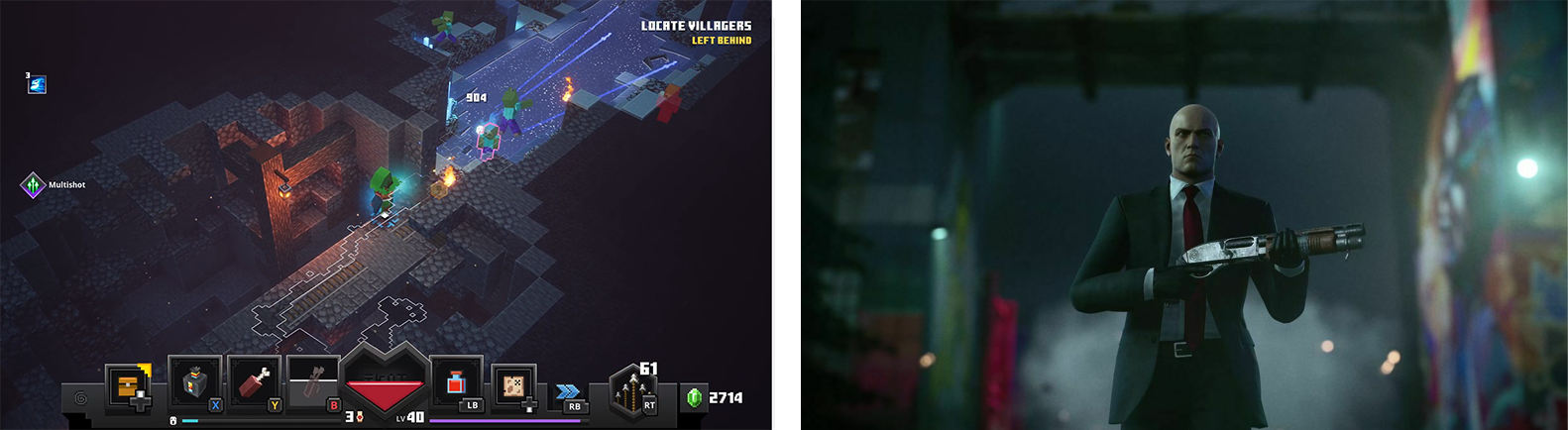
🎯Example: Minecraft Dungeons lets players defeat enemies up close with melee weapons or rely on long-range attacks like arrows and explosives.
Hitman 3 offers multiple mission approaches—stealth, direct combat, or environmental manipulation—allowing players to strategize based on their preferences rather than being forced into a single style, ensuring that no two playthroughs feel the same.
⭐Design Tip: Integrate difficulty sliders, diverse weapon categories, and alternative options or playstyles when applicable. Tailor these elements to fit your game's mechanics to maximize accessibility and player engagement.
4. Flexible Input Methods
Offering multiple, customizable input options ensure all players can engage with in-game challenges comfortably.
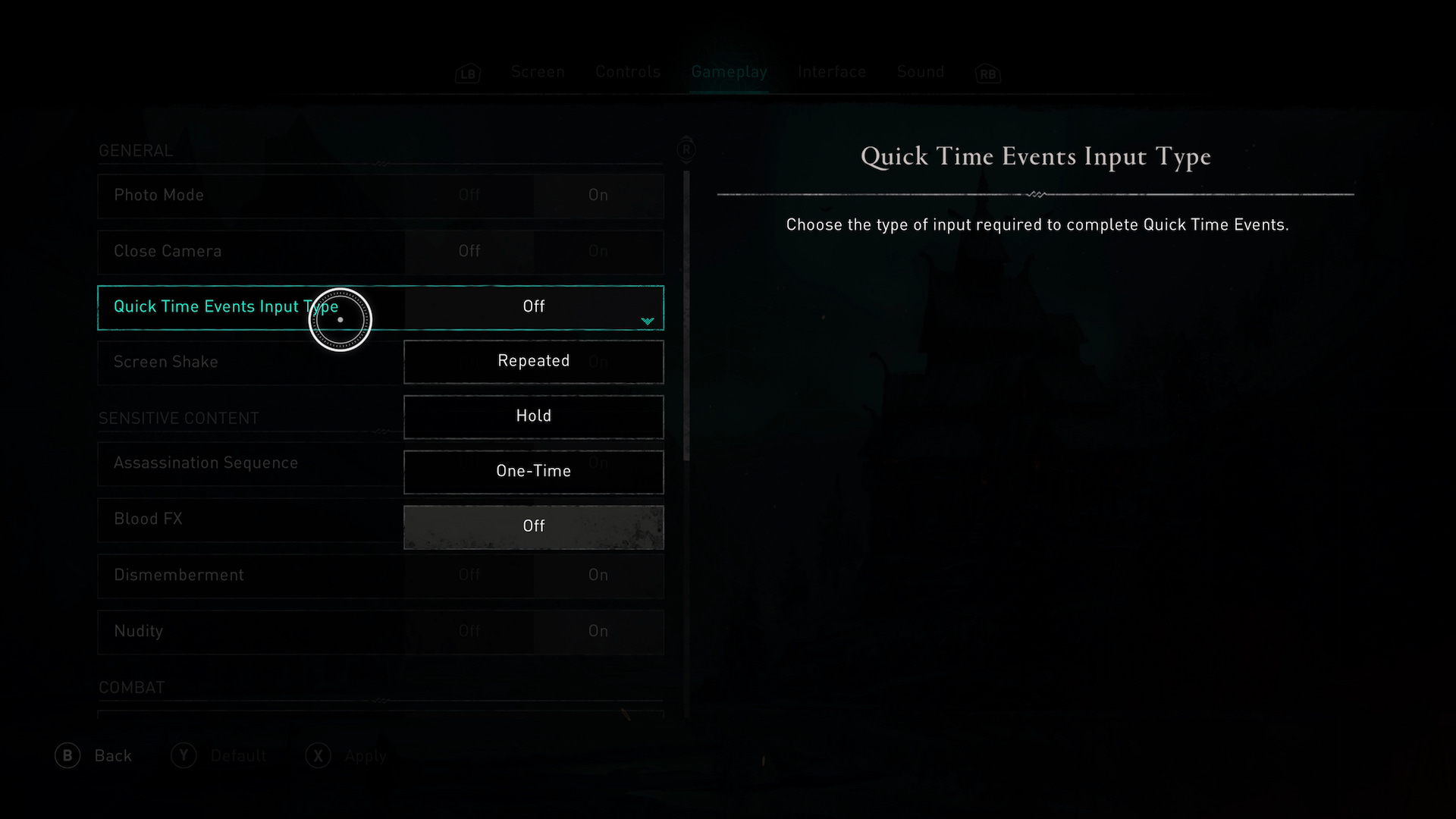
🎯Example: Assassin's Creed Valhalla gives players control over quick-time event inputs, offering options like bypass, one-time press, hold, or repeated presses. This inclusive approach makes an otherwise inaccessible mechanic more user-friendly.
⭐Design Tip: Offer remappable controls, support alternative input devices and incorporate features that reduce physical or cognitive strain, building on ideas from our first article.
Final Thoughts
At the end of the day, flexibility is key. It empowers players, sparks creativity, and makes games more enjoyable for everyone. And don’t worry—implementing these ideas doesn’t have to be a huge task. Start small! Look for those moments where players might be struggling or feeling restricted, and think about how you can offer options that open up the experience.
I also hope this series helped show that accessibility isn’t just about making games playable—it’s about making them better. These ideas can boost real changes in how we design games and create meaningful interactions.
That’s it for now, but stay tuned for more UX insights and fresh topics! 😉
Wanna Learn More?
Here are some fantastic resources to dive deeper into accessibility in gaming: