

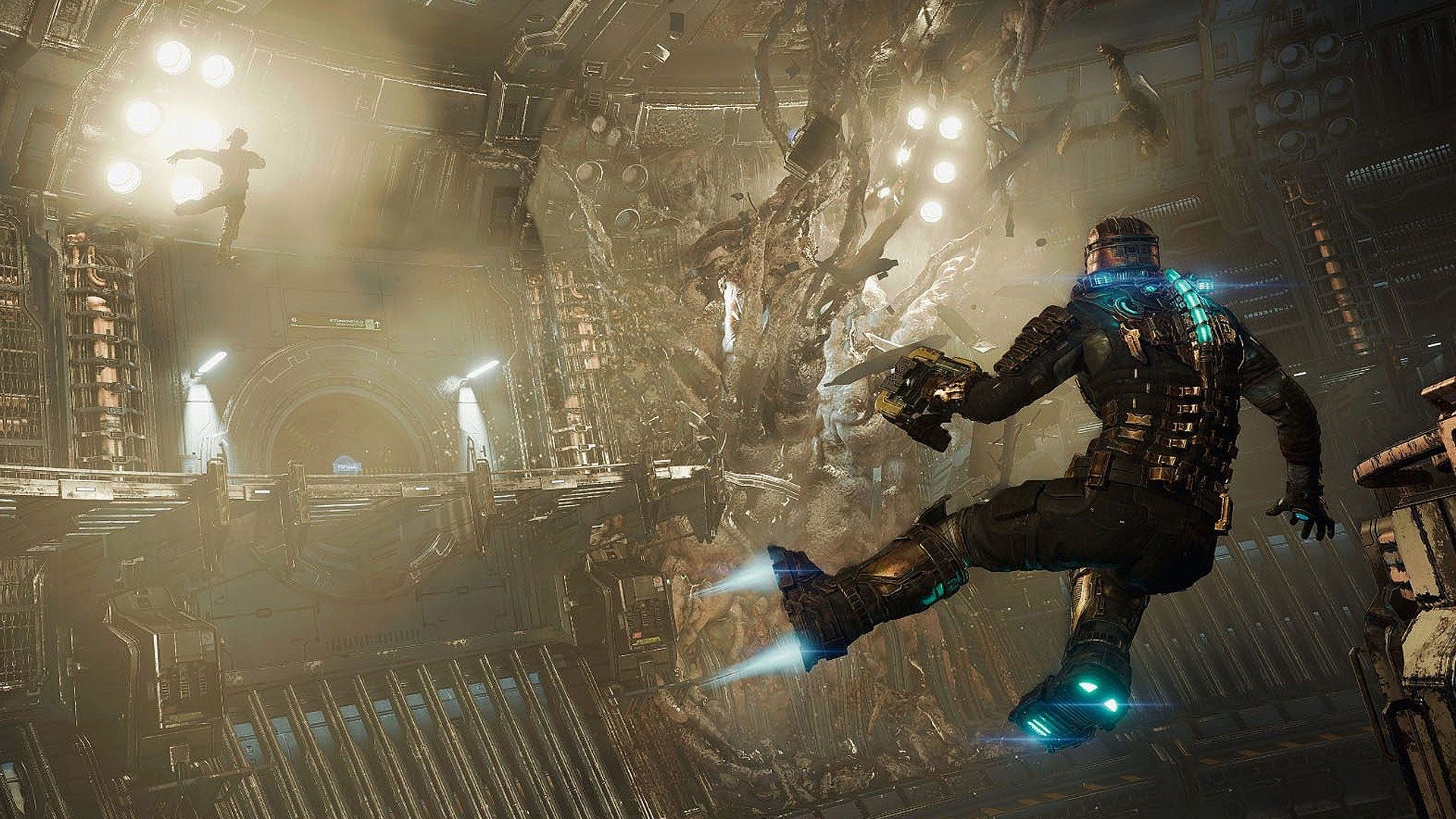
Some games are mechanically dense, filled with systems, numbers, menus, and choices, yet they feel comprehensible. Others feel confusing, even when they are technically simpler.
This difference is rarely about player intelligence or genre familiarity. It often comes down to how well a game manages cognitive load.
Cognitive load is not an abstract psychological concept reserved for textbooks. It is something players instinctively feel every time they open a menu, make a decision, or try to follow what the game is asking from them.
It is also important to note that cognitive load is not static. It fluctuates and is usually highest at the beginning of an experience, when players are still learning the rules, the interface, and the logic of the system. As players build an internal understanding of how things work, where information lives, and what outcomes to expect from their actions, often referred to as mental models, and as those actions become familiar, that load naturally settles.
Good UX and smooth onboarding do not remove complexity. They exist to help players move through this learning phase in a positive way, allowing attention to gradually shift from understanding what is in front of them to making interesting decisions.
When cognitive load is well managed, players feel confident and in control. When it is not, frustration shows up fast and churn often follows.
Let’s break this down with examples, shall we?
First things first… 🕹️
At a simple level, cognitive load is the amount of mental effort required to process information and make decisions. In games, this includes:
Understanding rules and systems
Reading interfaces and feedback
Remembering goals and constraints
Making choices under time or emotional pressure
The problem is not complexity itself, but unstructured complexity. Players can handle a lot, as long as the game helps them answer three questions clearly:
What am I looking at?
What matters right now?
What should I do next?

A grand strategy game like Civilization V is a good example here. Despite presenting dozens of systems at once, players are usually guided toward a small set of relevant decisions per turn. The interface supports this funnel, allowing complexity to unfold at a controlled and understandable pace.
In contrast, other games may surface multiple currencies, timers, events, and offers simultaneously. Even if each system is simple in isolation, the combined load can quickly exceed the limits, leaving players unsure about what deserves their attention.
The pillars of clarity 🔍
It’s natural to wonder why some games feel readable and understandable, while others quickly become overwhelming. In most cases, this clarity comes from a few consistent UX decisions working together.
Let’s look at some of the most important ones.
Strong Hierarchy
Readable games are deliberate about informational hierarchy. They decide what should stand out at each moment, instead of letting everything compete for attention.
Important information is visually louder. Secondary information is present but quieter. Rarely used details sit one level deeper, ready to be accessed when needed.
When hierarchy is missing, everything feels equally important and players are forced to sort it out themselves. And when everything is important, nothing really is.
Clear Grouping and Mental Models
Well designed interfaces group related elements in ways that match player expectations. Resources live together. Progression lives together. Combat related information lives together. This structure supports how people think and helps consolidate learning over time.
When systems are scattered across multiple unrelated screens, tabs, or visual styles, players struggle to build mental models. They may know where things are, but it never feels intuitive. The goal is for players to develop a simple understanding: if I need information X, it usually lives in place Y.
A common pitfall in feature heavy games is adding a new menu or tab for every new system. Over time, the overall sense of structure erodes.
Progressive Disclosure
One of the most effective tools for managing cognitive load is progressive disclosure.
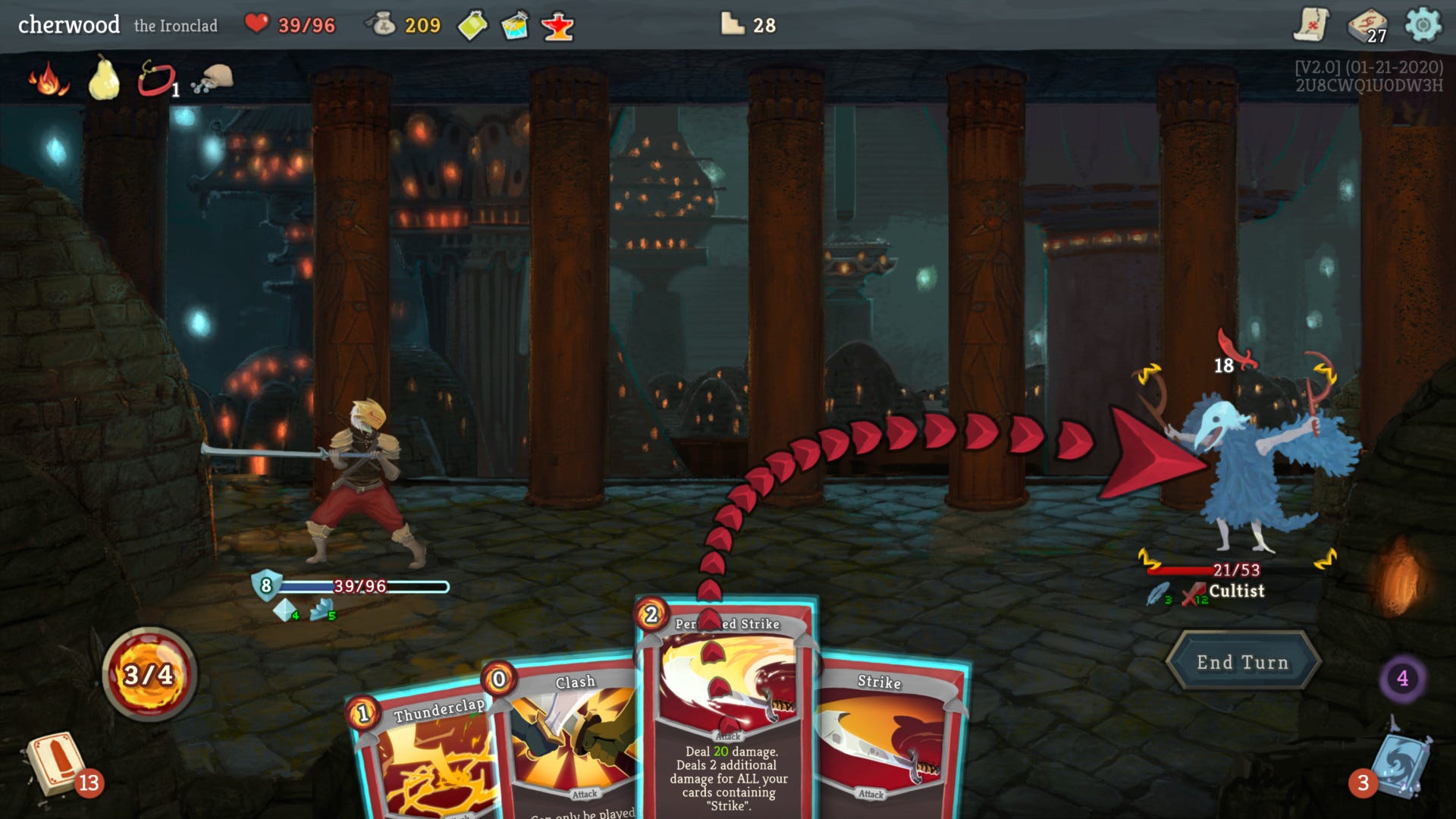
Good games rarely explain everything upfront. Instead, they reveal systems gradually, at the moment they become relevant. This applies to mechanics, menus, economy systems, and social features alike.
Players do not need to understand the entire game from the start. They need to understand what matters right now and what the next meaningful decision is.
Slay the Spire offers a strong example of this approach. The game introduces mechanics slowly, allowing players to internalize core concepts before adding more layers. Early runs are intentionally limited, teaching through play rather than dense explanations, while complexity ramps up step by step.
Cluttered Interfaces 😵💫
When hierarchy breaks down, grouping becomes inconsistent, and progressive disclosure is ignored, interfaces tend to drift toward clutter.
Clutter is rarely the real problem. It is usually a symptom of unclear use cases, overlooked edge cases, or features added too late or without the player in mind. Instead of guiding attention, these interfaces force players to constantly interpret what is safe, important, or optional.
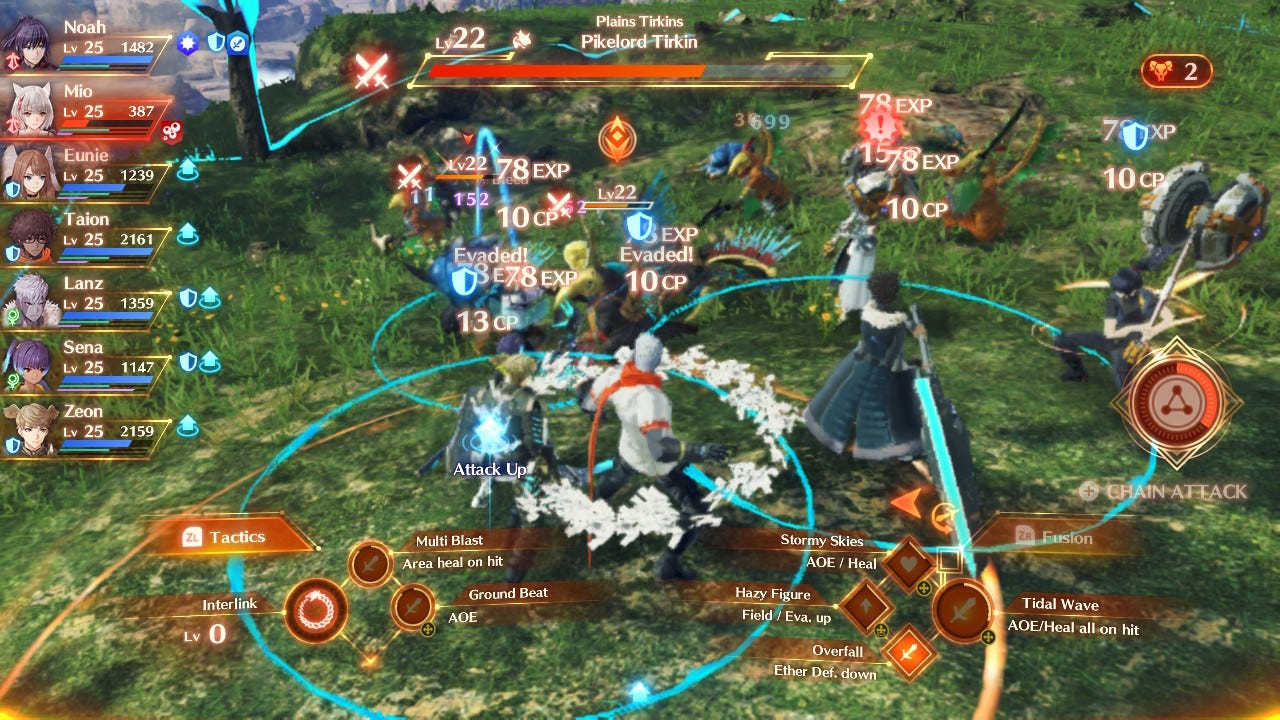
This is where errors start to appear. Not because players are careless, but because the interface no longer communicates clearly enough to support confident decisions.
Accidental spending of premium currency due to unclear confirmations or misleading emphasis is a common example. In these cases, the failure is structural, not user driven. When this happens repeatedly, trust is broken.
Players become cautious and defensive, and enjoyment fades away. Games make these failures especially visible, because we feel them emotionally and immediately.
📝 Final Notes
Cognitive load does not disappear with experience. Players may adapt, but that does not always mean the design is clear. It often means they have learned to work around it. That is why these things need to be revisited and reevaluated continuously.
Readable games respect player attention. They guide focus, reduce unnecessary mental effort, and allow complexity to emerge naturally through learning and mastery.
If you want to go deeper into these concepts, books like The Design of Everyday Things, The Gamer’s Brain, and Don’t Make Me Think are great starting points. They are not about rigid formulas, but about understanding how people behave when interacting with systems and making decisions.
In the end, clarity is not about simplifying systems. It is about structuring information in ways that support understanding. That is a UX craft skill that makes a difference, whether you are designing games or any other interactive product.
Cognitive load is also an important factor for game designers - needing to keep the complexity of game elements in mind and structure them appropriately.